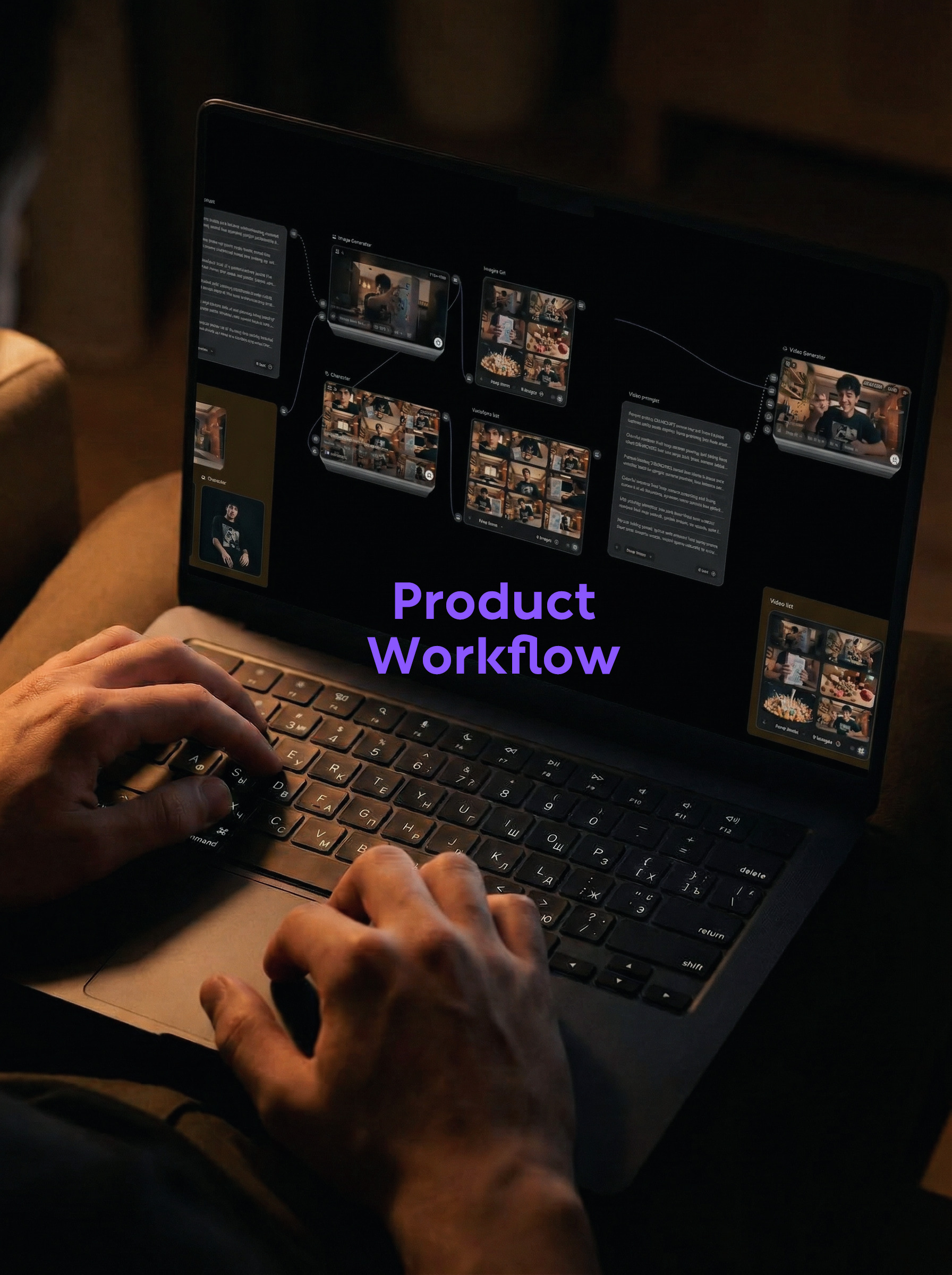
When advertising products, the most annoying thing is not that a certain picture cannot be made, but that the same operation needs to be repeated many times: writing prompt words, drawing pictures, changing angles, and making videos. This case changed the way of thinking, sorting out the 6 shots into a list first, and letting the nodes run out at one time. The final result is not an isolated piece of material, but a group of short videos that can be directly edited.
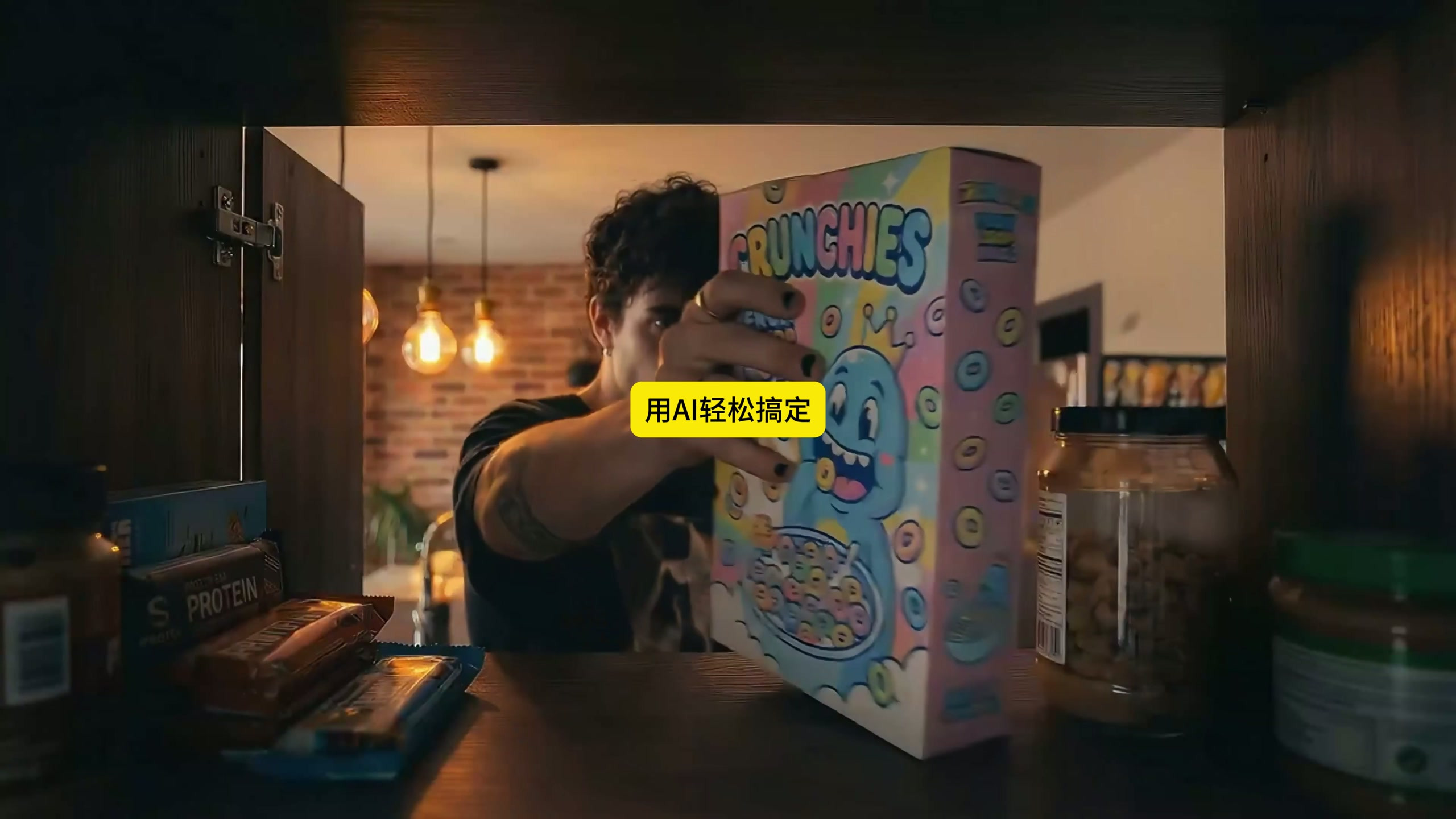
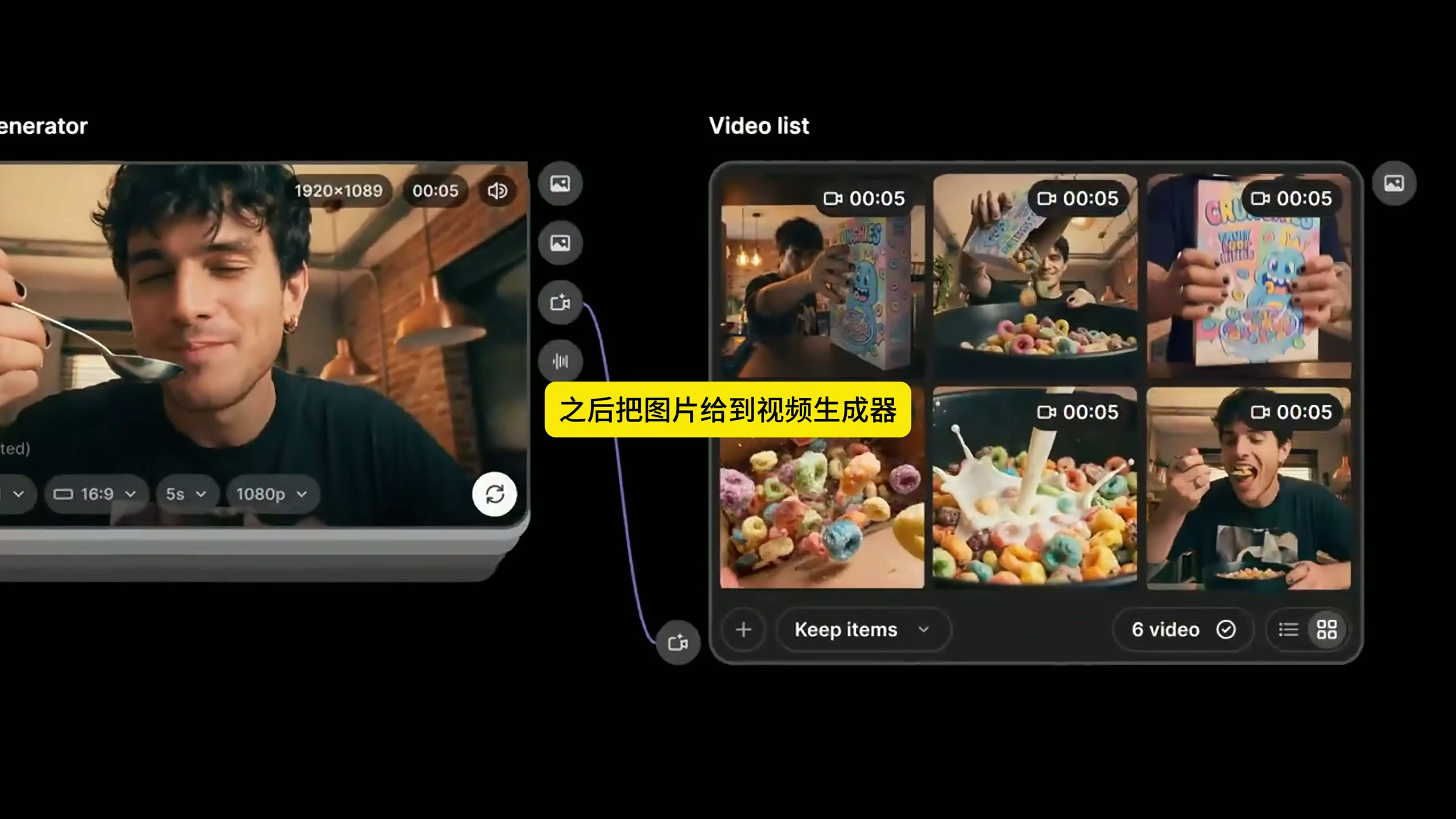
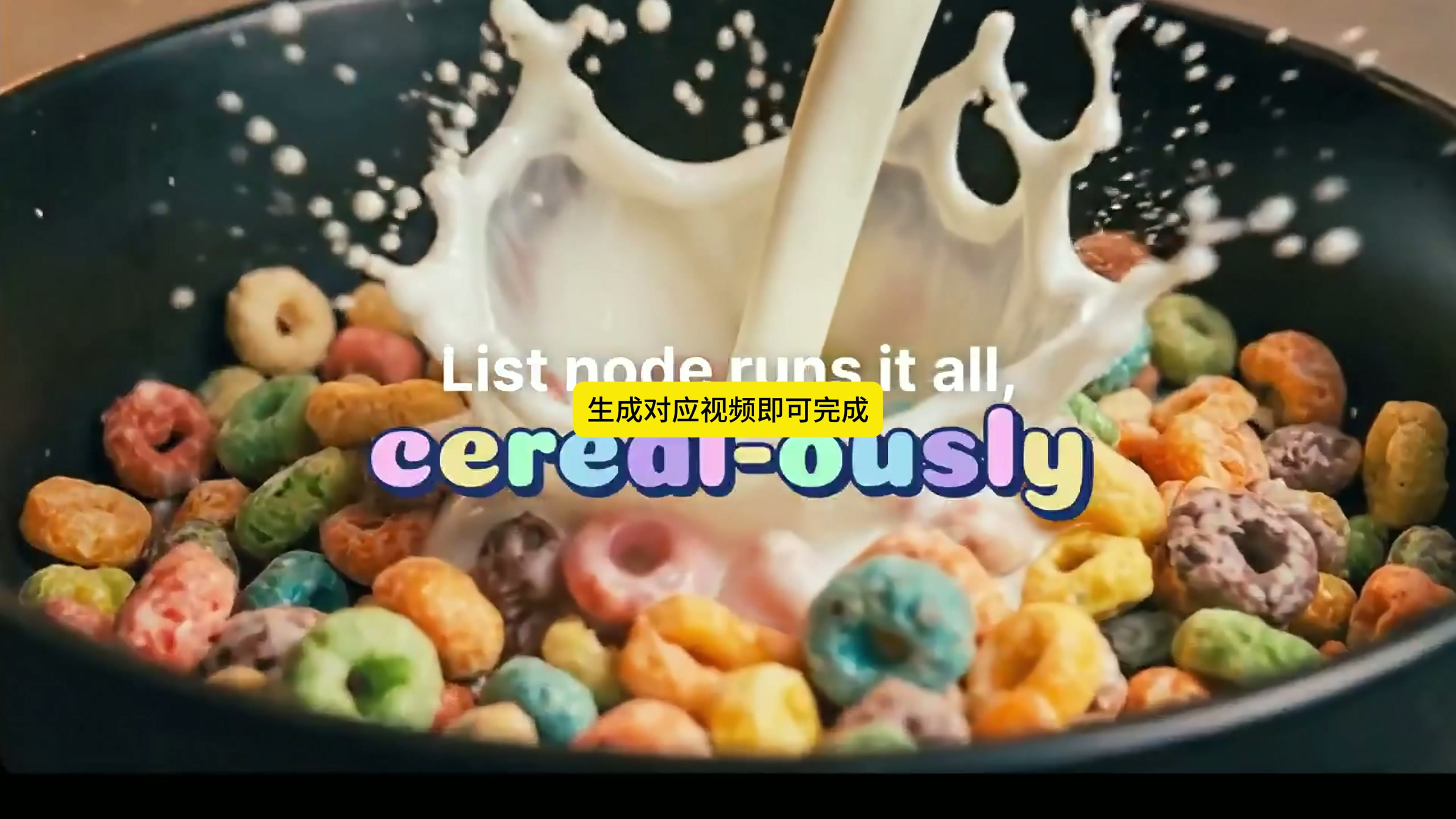
Let's look at the results first: the picture revolves around the same box of oatmeal, with products taken out by opening the cabinet, cereal poured out, front of the package, milk splashing and people tasting. The scene, characters and packaging are kept in the same set of vision, but the position and action of each lens are different, which is the most suitable problem for batch process.
Step 1: Set 6 shots first, don't rush to generate them.
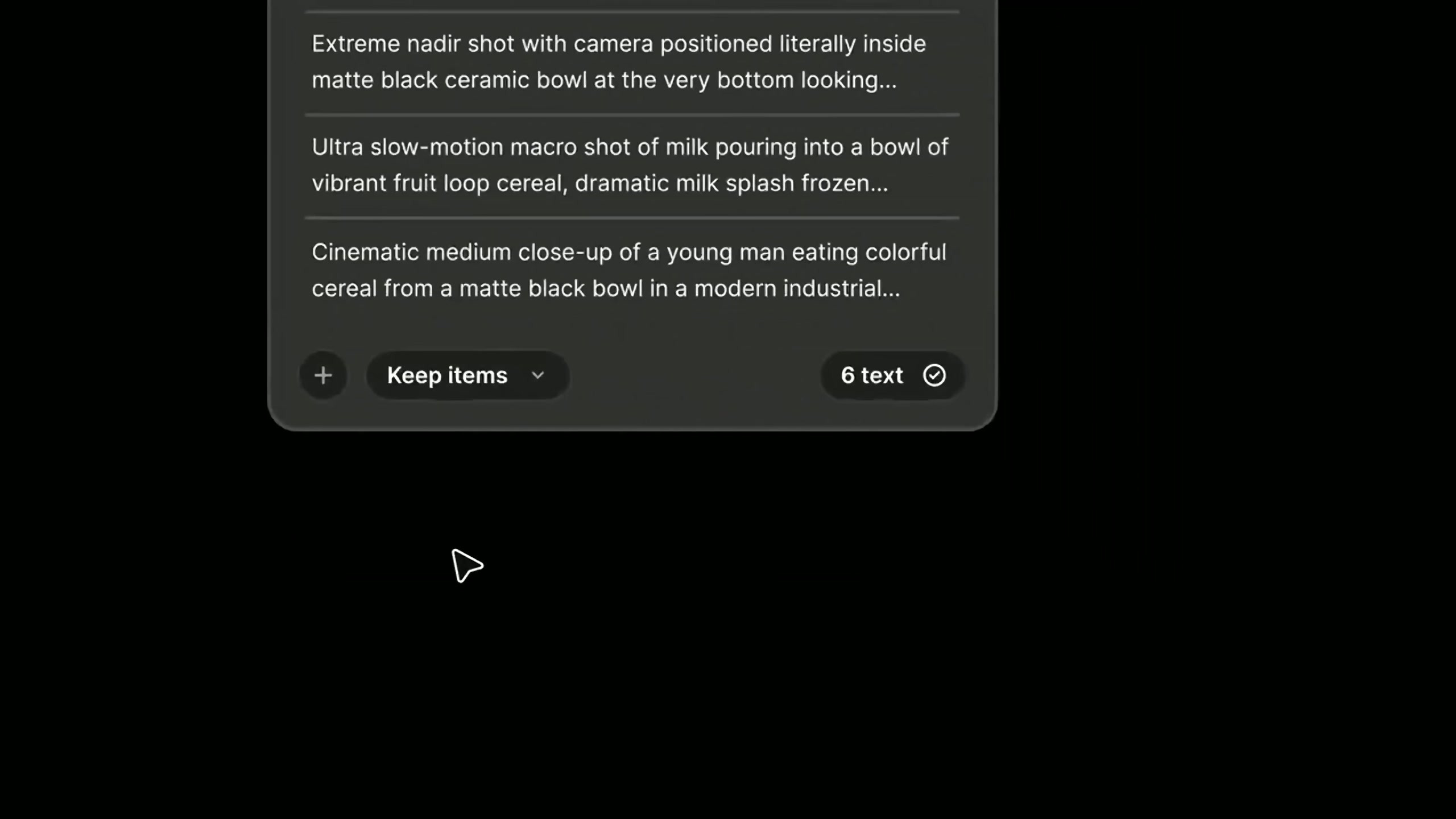
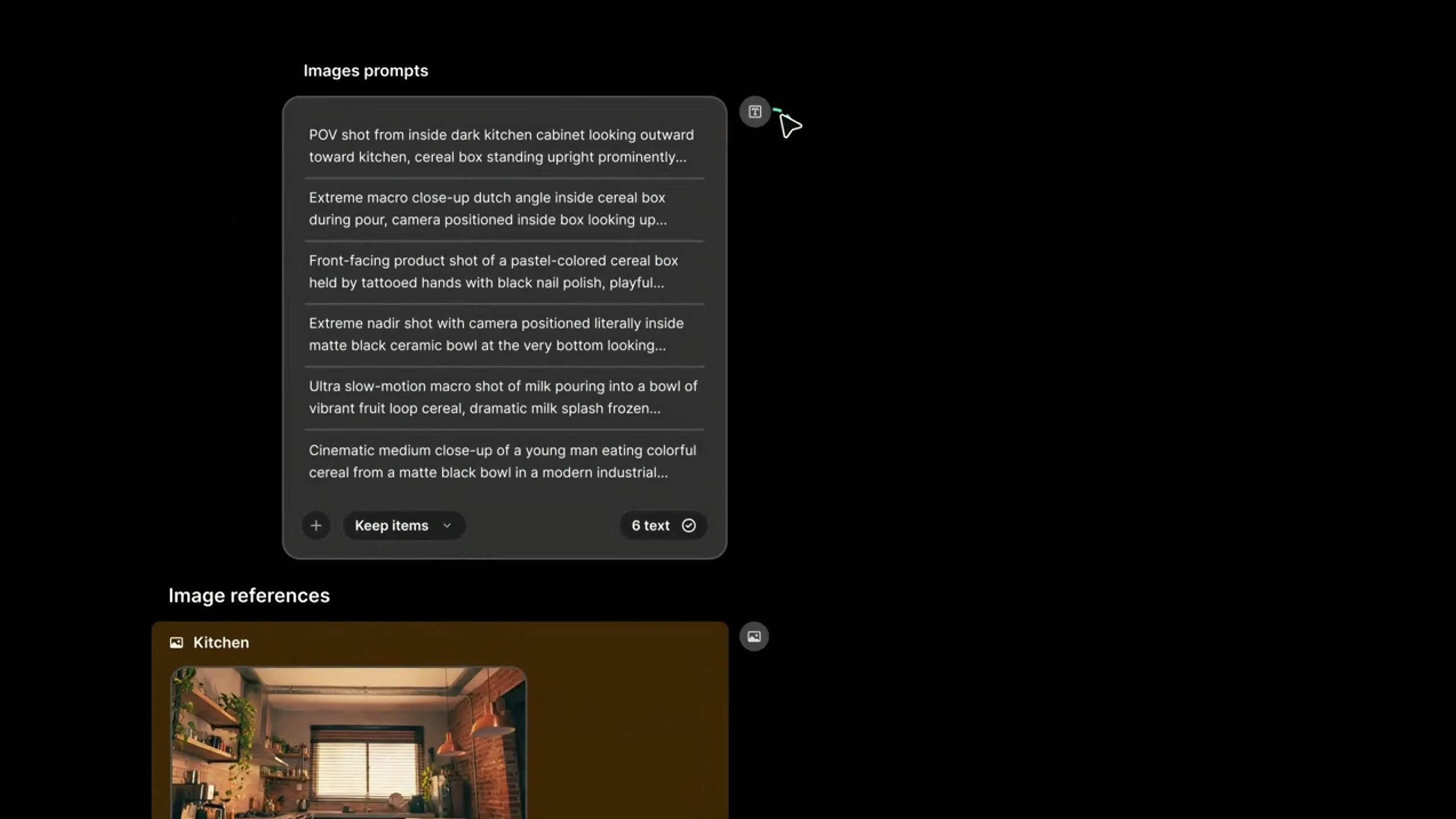
First, the advertisement is split into six shots with clear tasks, such as the product appearing from the cabinet, the cereal falling from the box, the front of the package appearing, the cereal falling into the bowl, the milk pouring into the bowl, and the character taking the first bite. The advantage of this arrangement is that each prompt word is only responsible for one picture, and multiple actions will not be squeezed into the same picture when generated.
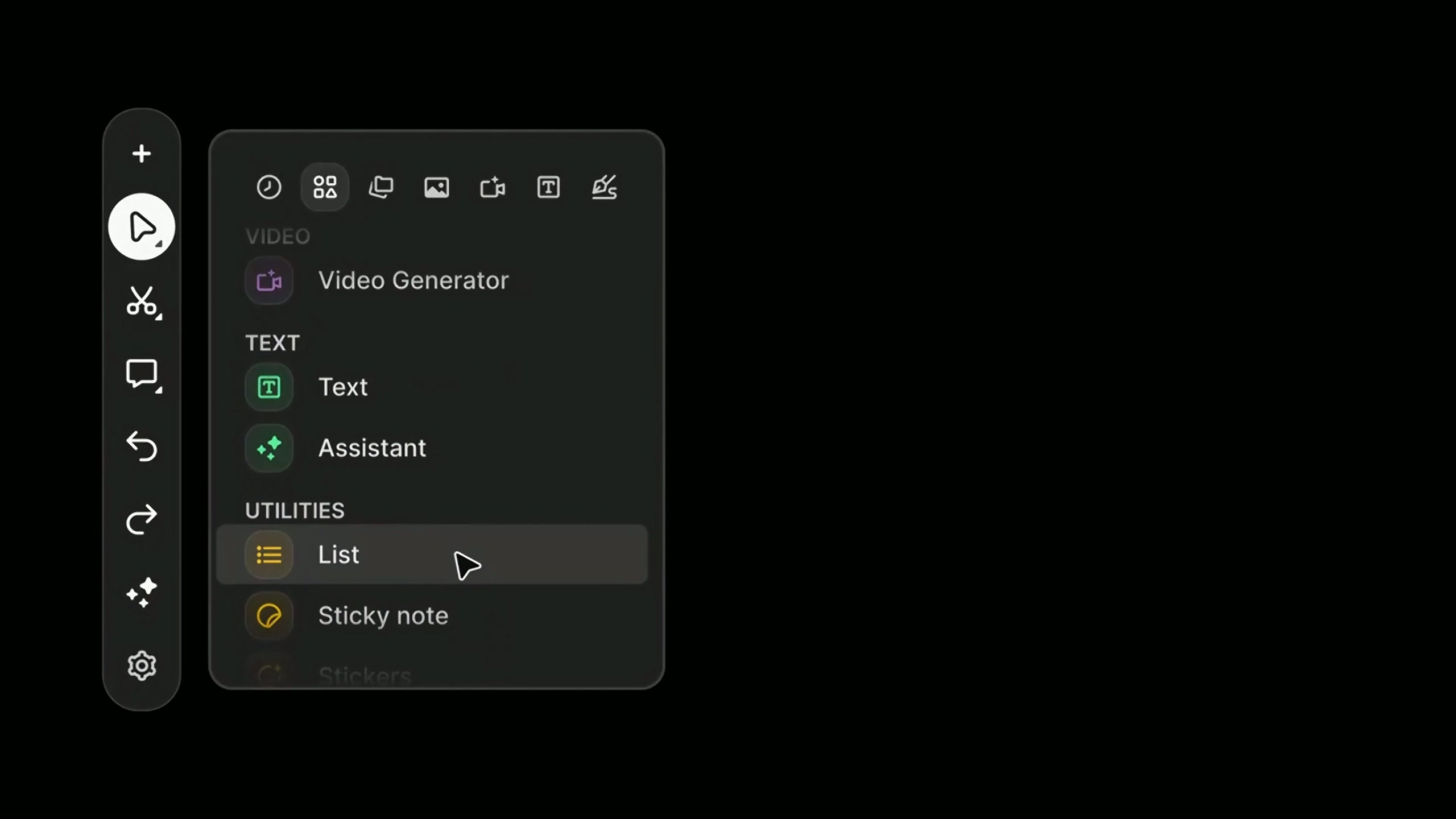
Step 2: Add a List node
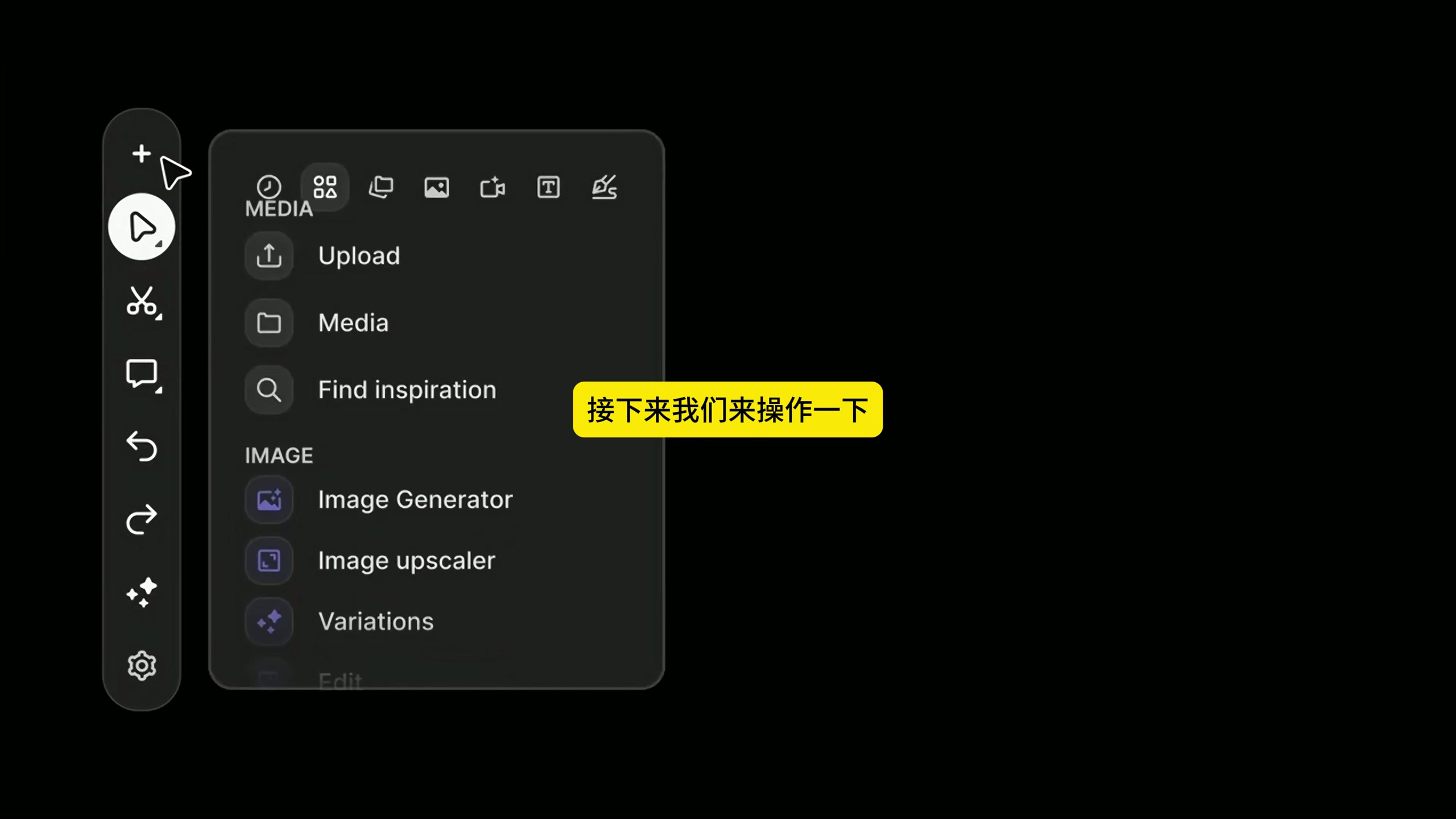
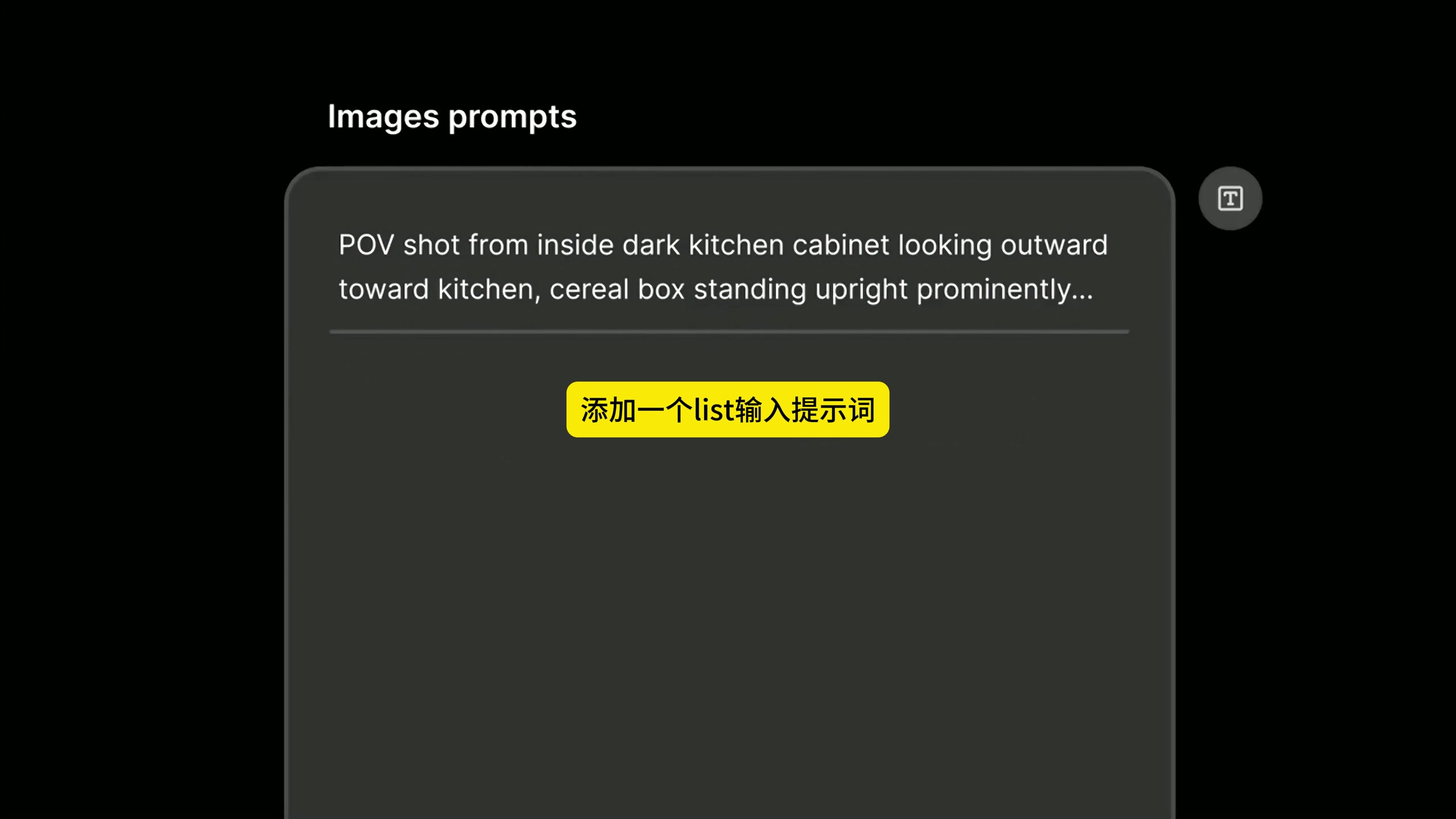
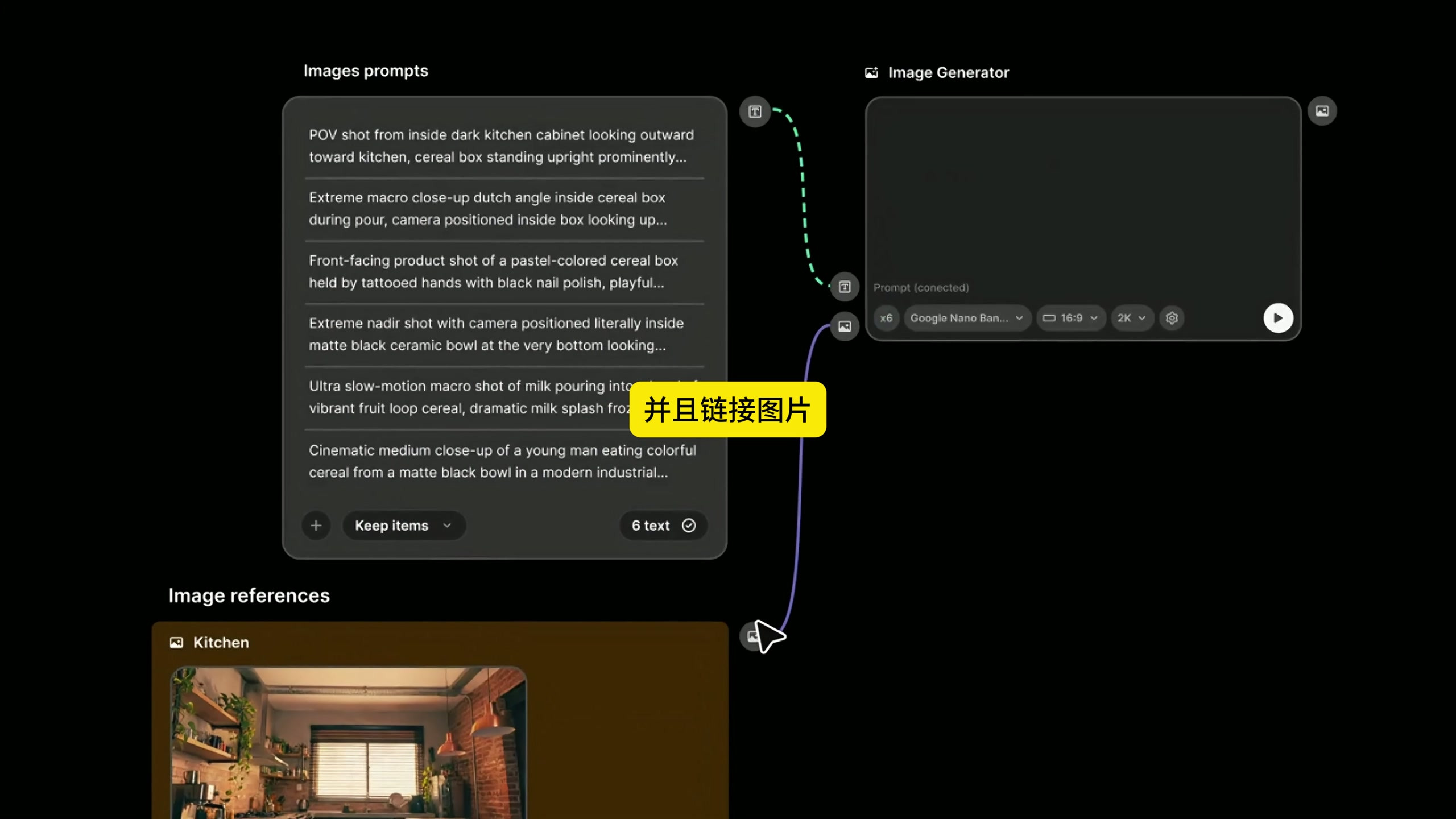
Find List under Utilities in the node menu. It's not a generator, it's more like a batch task box: put a few items in the list, and the following nodes will read them several times. Six shots are going to be made here, so six picture prompts are put in the List.
Step 3: Write only one picture for a prompt word
Put the 6 picture prompts into the List one by one. When writing, it is enough to organize according to "subject, action, machine position, scene and light. For example, the perspective of the cabinet looks towards the kitchen, the cereal in the box falls down, and the front close-up shows the packaging. Don't write the 6 sub-mirrors into a large section, otherwise it is difficult to correspond the following pictures to the video one by one.
Step 4: Put the reference material into the same visual environment
Then organize the reference chart. The kitchen scene, product packaging and character material are used in the case, which together determine the space of the picture, the appearance of the goods and the characteristics of the characters. The function of the reference map is not to replace the prompt words, but to delimit the same set of visual boundaries for all sub-mirrors, reducing the length of each map.
Step 5: Connect the List to the picture generator
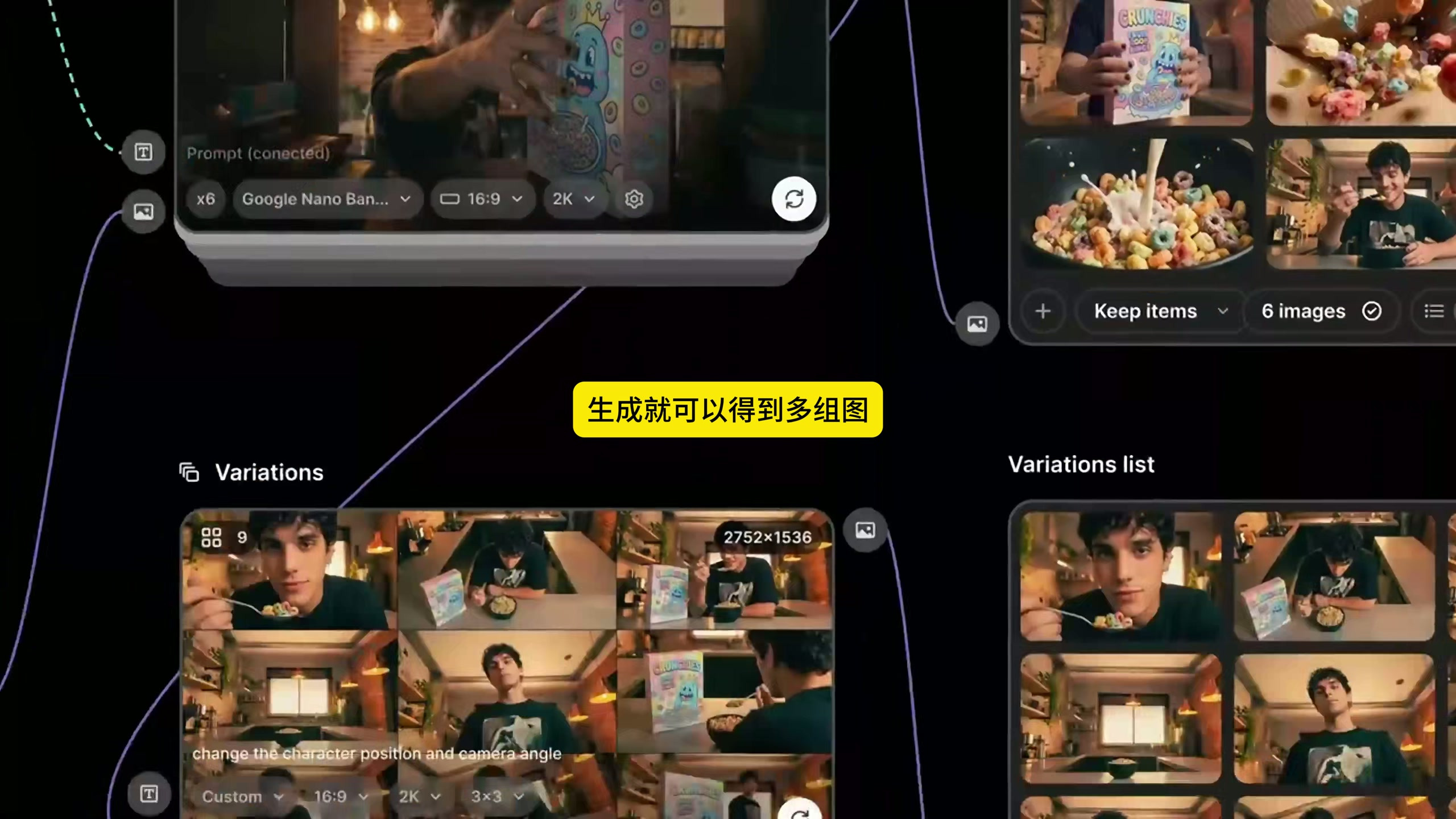
Connect the text output of the picture prompt List to the Prompt input of the Image Generator, and then connect the reference picture to the picture input. The video example uses 16:9 and 2K, and processes 6 tasks at a time. These parameters can be adjusted according to the publishing platform, but the number of prompt words, reference materials and output quantity should be kept corresponding.
After running, the picture generator will process the list in turn, instead of asking you to click 6 times manually. Put the results into the Images list and look at it as a whole: whether the product is still in the same package, whether the characters are stable, whether the color temperature of the kitchen is consistent, and whether the six lenses are obviously repeated.
Step 6: Only make up the problematic shots
If the expression, composition or position of a certain picture is not ideal, you can send it to the Variations to make several versions. It is not recommended here that all pictures be expanded indefinitely, which will soon return to the hell of picking pictures. First lock the purpose of each lens, and then make up for the problem lens, the efficiency will be much higher.
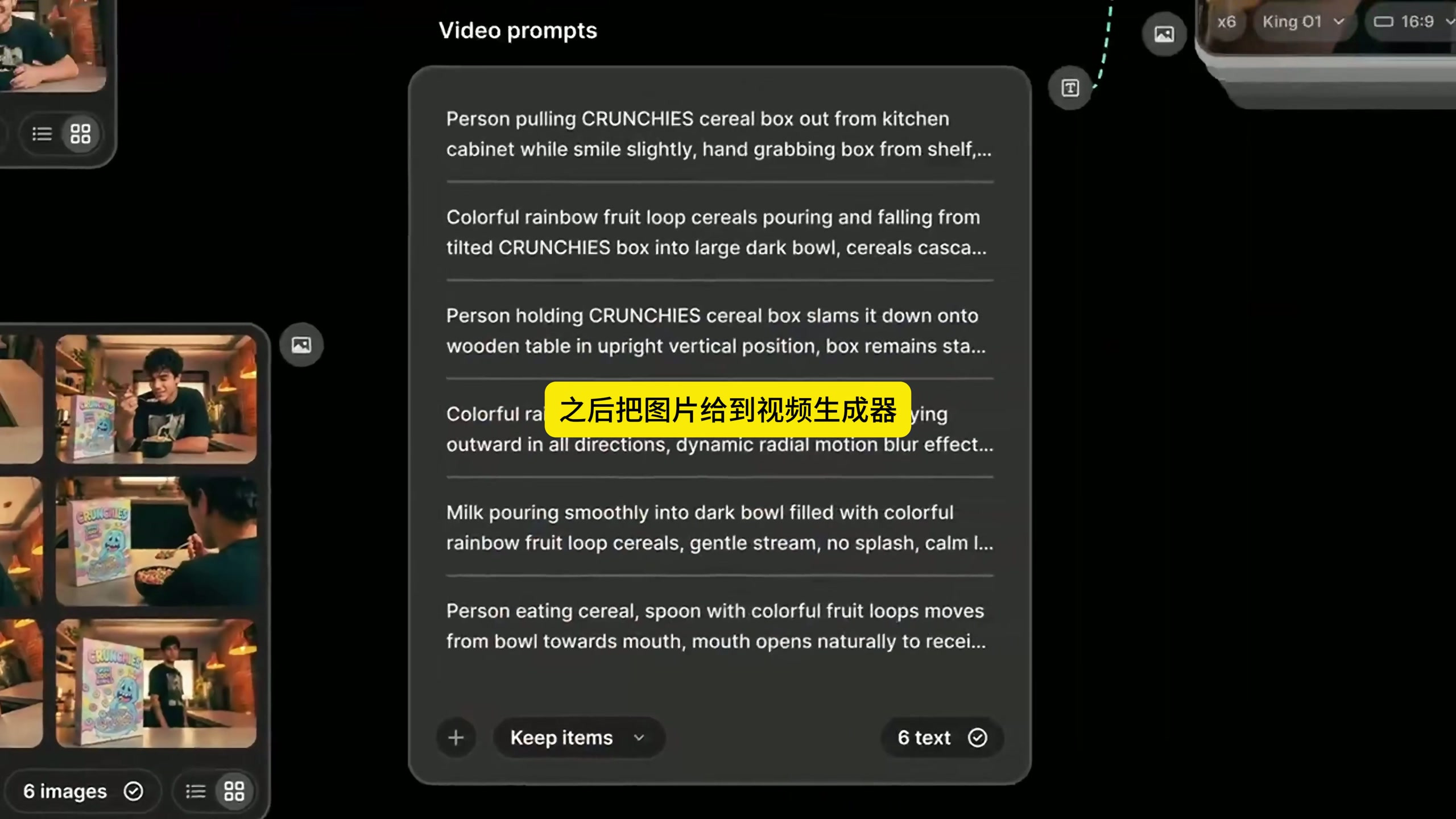
Step 7: Create another set of video cues
Picture cues manage static compositions, while video cues only describe what happens next. Corresponding to the previous 6 pictures, it can be written as "the character takes out the package from the cabinet", "the cereal is poured into the bowl continuously", "the package falls to the table top and stops steadily", "the milk is slowly poured into the bowl" and other actions. Don't change the order. The first action should correspond to the first picture and the second action should correspond to the second picture.
Step 8: Give the picture and action to the video generator
Connect the Images list to the image input of the Video Generator, and then connect the video cue List to the text input. In the example, six 16:9, 5-second, 1080p videos are generated at a time. Before the formal generation, it is best to count the entries on both sides again: 6 pictures are matched with 6 actions. If the number or order is wrong, the content of the piece will also be misplaced.
After the generation is completed, 6 videos will be included in the Video list. Don't just look at whether a single article is good-looking, but also check together: whether there is a product appearance at the beginning, whether there is any action change in the middle section, and whether there are characters or products closing at the end. If a movement range is too large, give priority to changing the movement description of that one, and do not need to run the whole group again.
What this method really saves is the time to repeatedly build nodes and repeatedly copy parameters. List is responsible for distributing tasks, the picture generator is responsible for establishing a unified mirror, and the video generator complements the actions. After the replacement of beverages, skin care products, digital products or clothing, as long as the replacement of reference materials and two sets of lists, the whole structure can continue to use.
Last but not least, batch does not mean handing in judgment. The sequence of shots, product exposure and action strength are still determined by people. Nodes help you run faster, but whether the advertisement can be made clear depends on whether the previous 6 shots are arranged.





Dry goods